








How to Sort Out Your Email Account in One Afternoon
 Story by:
Technology Blog
Story by:
Technology Blog
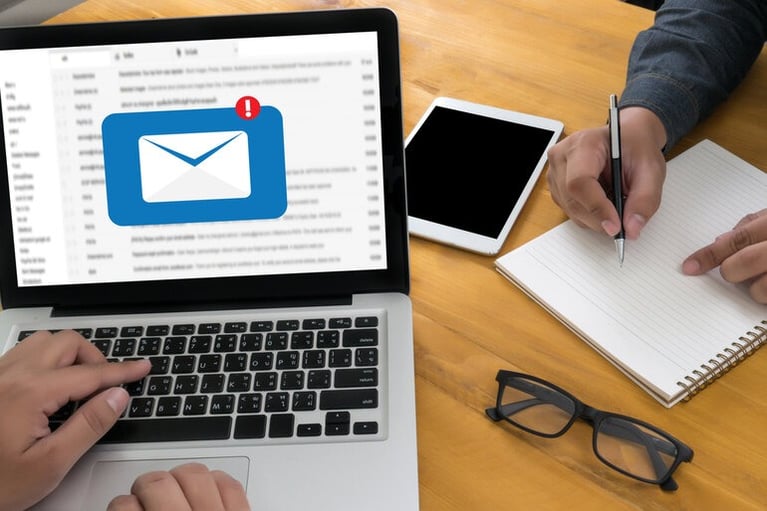
A certain horror exists when you check your mailbox and find that you have 50, 60, or 100 unread emails. That is not something you’re going to be reading all of those. You know that, and everyone else who’s ever taken your phone and spotted the little red tag on it like a guilty little badge. The little digital details can also have an unusual significance in early dates, such as when you don’t get a reply back, or you receive a message just when you don’t expect it.
It might appear to be something minor; however can influence how people think about communication and attentiveness when establishing a new relationship. One of the typical ways to handle it is to ignore it for the next 6 months. Fortunately, one of the few messes that’s easily cleaned up with a single concentrated effort is an inbox. Not a system, an app, or a productivity method you’ll give up by Thursday. One afternoon, a cup of coffee, and a slight level of ruthlessness in your keeping of what you keep.
Start by Cutting the Inbound
With everything else being added an hour, sorting it is futile. Look in your email and delete all of the emails with the word unsubscribe; delete the ones you did not intentionally read within the past 3 months. From retailers to one-time apps, it’s all that newsletter you signed up to for the discount code. This simple way to organize your inbox will take about 20 minutes and will remove the majority of the daily volume. Some senders make the link plainly difficult to locate. Ignore those and delete them.
When you’ve got the Backlog, the Next step is to deal with it.
Please do not read through it. Sort the list by sender, choose all from the ten Worst offenders, and archive the lot. It is not actually lost, as it can be archived, meaning that you won’t have to worry about deleting something important. Then, archive all of the items that are more than a year old in one operation, and sort by date.
Typically, the number of messages left is a couple hundred, not thousands. This can also help you to focus on the more important conversations when you’re meeting someone new and don’t want your focus on a million emails cluttering your inbox. Keep the order confirmations, though. They’re the paper trail if a purchase goes wrong, and they matter most on the sort of buy where the seller is hard to verify in the first place.
Lock the Account Down Properly
This is the part people skip, and it is the part that matters. Your email account is the recovery route for your bank, your socials, and everything else you have ever signed up to. Someone who gets into it can reset the rest at their leisure. Give it a password you use nowhere else and turn on two-step verification. Then check the list of connected apps and revoke anything you no longer recognise, because that fitness tracker from four years ago may still have read access. The FTC’s advice on spotting and avoiding phishing is worth ten minutes if you have never read it properly; the tells have changed since the days of obvious spelling mistakes.
Consider Even If It Is Time to Move
If the address you use is the one you created when you were 15, or if your provider creates a profile based on all of the information you send, this is when you should change your provider. It only takes a few minutes to set up a private email account, and most email service providers will forward your old email address for as long as you take your time to make all the changes. By the end of the afternoon, the badge is one that you could look at without flinching.
The true advantage of a smaller and better inbox is that you’ll actually see it when something weird shows up, since you’ll have room to see it! This added clarity can also come in handy when you’re trying to get to know somebody else, as a carefully crafted message or a sudden shift in what’s being said will be more noticeable and more easily acted upon. It also gives you more mental space to think about things to do together, rather than letting a cluttered inbox distract from the conversation.


Comments 0
No Readers' Pick yet.