








How Men Can Upscale Phone Clips Before Posting Style Tips or DIY Videos
 Story by:
Technology Blog
Saturday, at 11 AM. Marcus nails the fit – wear a navy overshirt, tapered chinos, and suede boots. He places his phone on top of the dresser to record a 20-second fit check before heading out for a Saturday afternoon date. At 3 PM, he wants to see how the outfit comes together on camera. After three weekends of work, Dave finally wraps up his walnut floating shelf, adding a personal touch to the room that makes getting ready for a date feel a little more rewarding. He takes out his phone to shoot a quick video of the finished product in his garage.
Sunday. Watch their clips. Marcus’s overshirt looks like a blur of navy. That wood grain on Dave’s shelf just looks like it’s been painted brown. Frustrating? Yes. Fixable? Also, yes. If you’re capturing an outfit of the day or a hobby you’re passionate about, blurry videos can be a big downer. But the great news is that there’s still some hope to fix your cellphone videos after you film and before you upload.
Case File #1: The Fit Check That Lost All Its Texture
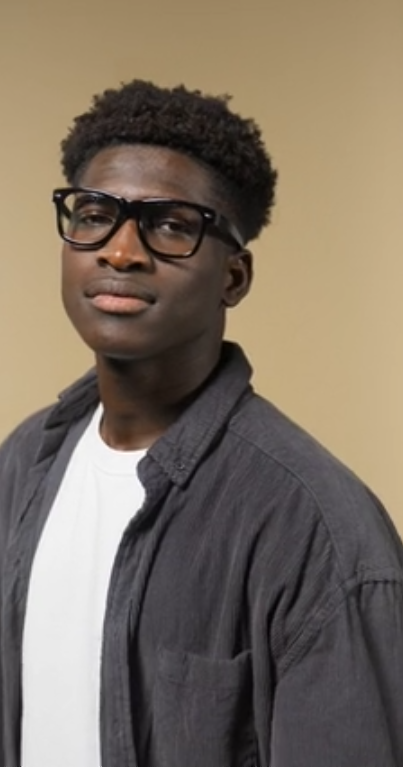
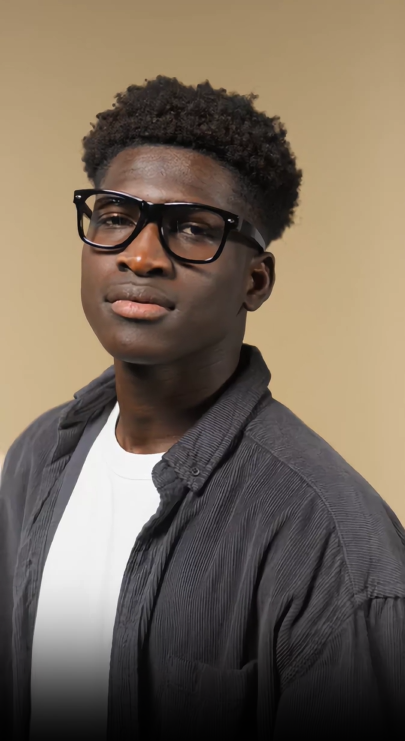
Marcus looked nice in the mirror. He wore a greyish overshirt with a pattern and his black glasses. The video wasn’t a good representation. The clothing fabrics appeared to be lifeless-looking; the overshirt’s corners were indistinct, and the glasses were blurry. Therefore, let’s analyze the reason behind it.
- The Front camera: Typically, a phone’s front camera has a lower resolution than the rear one. As a result, you may lose clothing and accessory details if you take a self-portrait.
- Lack of Light: Lighting conditions indoors are often less favorable. The phone tries to compensate by bumping up the ISO level, but to get rid of grain, it also tends to flatten the texture of fabrics, etc.
- Lossy Compression: When you post a video on apps like Instagram and TikTok, they compress it. Therefore, you may end up with a much worse quality video after your initial footage is slightly soft.
Clothes and texture go together. A decent cotton T-shirt for men doesn’t seem different from a cheap T-shirt if the fabric is smooth and flat on the screen in a men’s fashion video.
Whether you’re sharing outfit ideas or fashion choices that can make men over 40 look younger, viewers need to see the fabric, fit, and small details. Otherwise, even a great outfit can look ordinary.
Case File #2: The DIY Build Nobody Could Actually See
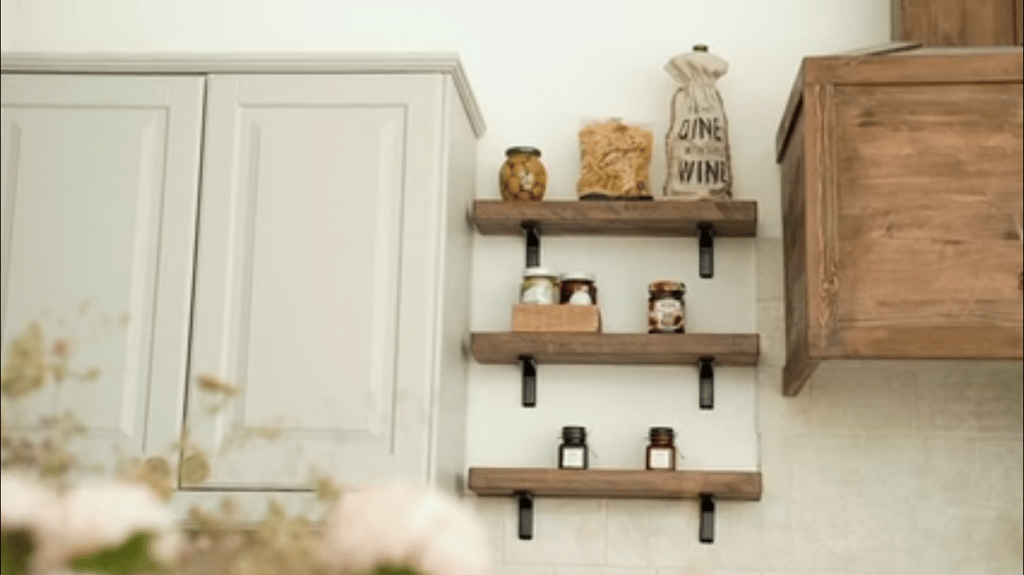
Dave spent three weekends making this walnut floating shelf. The joints fit perfectly, the hand-rubbed oil finish turned out to be beautiful, and the hidden bracket was just perfect.
But the video told a different story. The shelf appeared blurry, with no hint of grain in the wood, and no clear indication of how the joints fit together. In close-up, it was out of focus.
Here was the trouble:
- Old phone on tripod: Dave used his previous phone as a shop camera. Its resolution was only 720p, so small details were hard to make out.
- Sawdust and shop lights: The lens was dirty, the lighting from the shop and constant movement were creating problems that resulted in a bad quality of video footage.
- The time-lapse trap: Dave exported his lengthy footage in a low resolution to make the file size smaller.
What Do Both Clips Have in Common?
Marcus filmed an outfit. Dave filmed a DIY project. Different content, but the same three problems: low resolution, video compression, and phone processing that removes fine details.
| Marcus (Style) | Dave (DIY) | |
| Original clip | Front camera, soft 1080p | Old phone, 720p |
| What got lost | Fabric texture, edges | Wood grain, joint detail |
| Where it’s going | Reels / TikTok | YouTube + Reels cutdown |
| Target resolution | 1080p | 2K for YouTube, 1080p for Reels |
The Fix: One Upload, Two Different Results
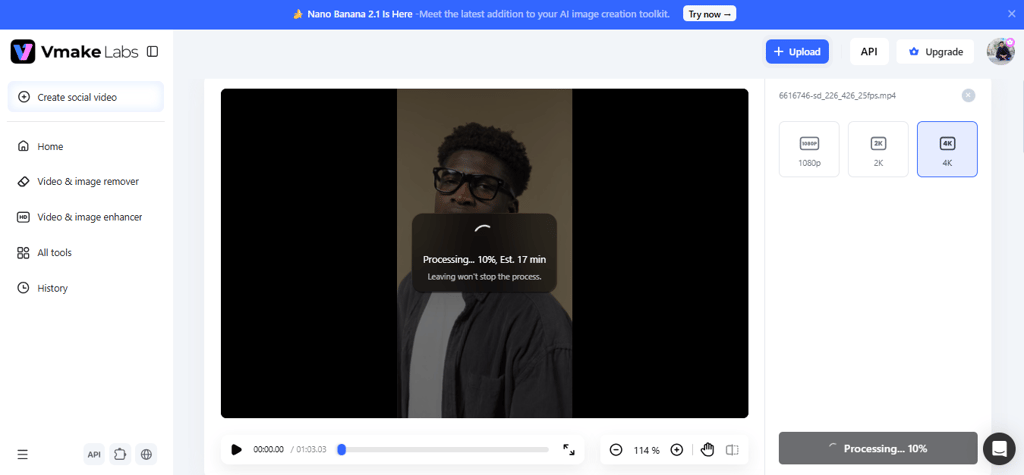
However, Marcus and Dave do not need to re-shoot all the footage. They can enhance their existing footage by utilizing Vmake Labs HD video converter. This online tool can enhance grainy, low-res, and previous-generation smartphone footage up to 4K (UHD). No software or editing experience required.
Most video converters just scale up the picture. Vmake Labs does more. It utilizes artificial intelligence while converting to make it sharper, more color-rich, and with finer detail.
And that matters to both guys:
For Marcus: Vmake Labs will highlight the pattern of his overshirt, improve the appearance of his glasses, and make the color appear truer to life.
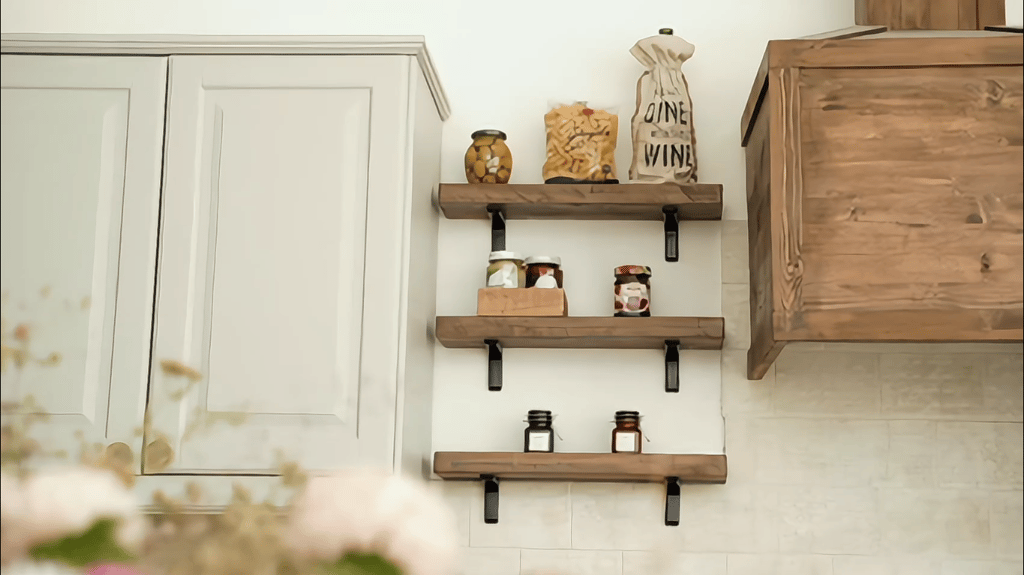
For Dave: it will add clarity to the walnut grain, sharpen the joint lines, and give a richer feel to the oil finish.
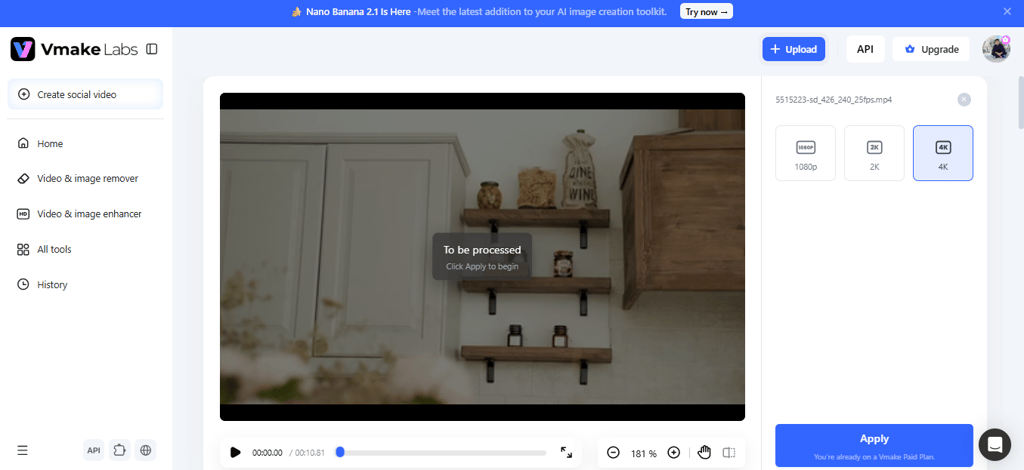
Vmake Labs supports common formats like MP4, MOV, and AVI. Simply upload a clip, choose the target resolution, preview the result, and download it if you’re happy with the quality.
What Else Is in the Toolbox?
Vmake offers several additional tools that can help Marcus and Dave polish their videos before uploading them to dating profiles, making it easier to share a confident first impression through their personal style and everyday interests.
For the DIY guy:
- Video noise reducer: Assists in cutting down the background noise, such as table saws and shop vacs, so Dave’s directions are clear.
- Batch video upscaling: Enables Dave to upscale several clips from his build series to the same resolution for a more uniform appearance.
For the style guy:
- Caption generator: Automatically generates captions for the outfit details, brand names, sizes, and other information. Useful for those who watch without sound.
- Visual hook generator: Allows Marcus to make his fit check interesting enough for viewers to stay watching.
For both:
- AI thumbnail maker: to design attractive covers for YouTube videos and Instagram Reels.
- Remove text from video: Can assist in removing old captions or prices, which can be valuable when reusing clips.
- Vmake Labs mobile app: you can have the guys work on their videos from their phones while sitting in a car or whatever. They’re available both for iOS and Android.
Of course, better editing starts with better footage. Check out our guide on how to make clearer videos of your hobbies and personal projects for simple tips on lighting, angles, and filming.
The Spec Sheet: Your 30-Second Pre-Post Routine
Before you hit Post, run through these quick checks. It takes less than a minute.
| Check | What to Do |
| ✓ Source | Use the original file from your camera roll. |
| ✓ Trim | Keep the best 10–30 seconds. |
| ✓ Upscale | Use Vmake Labs: 1080P for social, 2K/4K for YouTube. |
| ✓ Audio | Reduce background noise, especially for DIY clips. |
| ✓ Captions | Add captions and check for mistakes. |
| ✓ Cover frame | Pick a clear, sharp thumbnail. |
| ✓ Post | Upload the enhanced HD version, not the original. |
That’s it. A few quick checks can help your style tips or DIY videos look better when they go live.
Let Your Work Shine
Marcus put time into his attire. Dave spent ages constructing the shelf. They both don’t want a fuzzy recording concealing the real thing. The good news is that you don’t always need to reshoot a video with a better camera. Vmake Labs HD Video Converter lets you enhance sharpness, adjust colors, and bring out visible details before uploading a clip to your dating profile, helping you present your style and personality more clearly. So next time you’re posting a fit check or new DIY. Give your clip a quick tweak before you post. You just invested hours in your work. Make sure people can see it.


Comments 0
No Readers' Pick yet.